- ( 0 Reviews )
Checkout Fotor – Online Photo Editor and Design Creation
Product Description
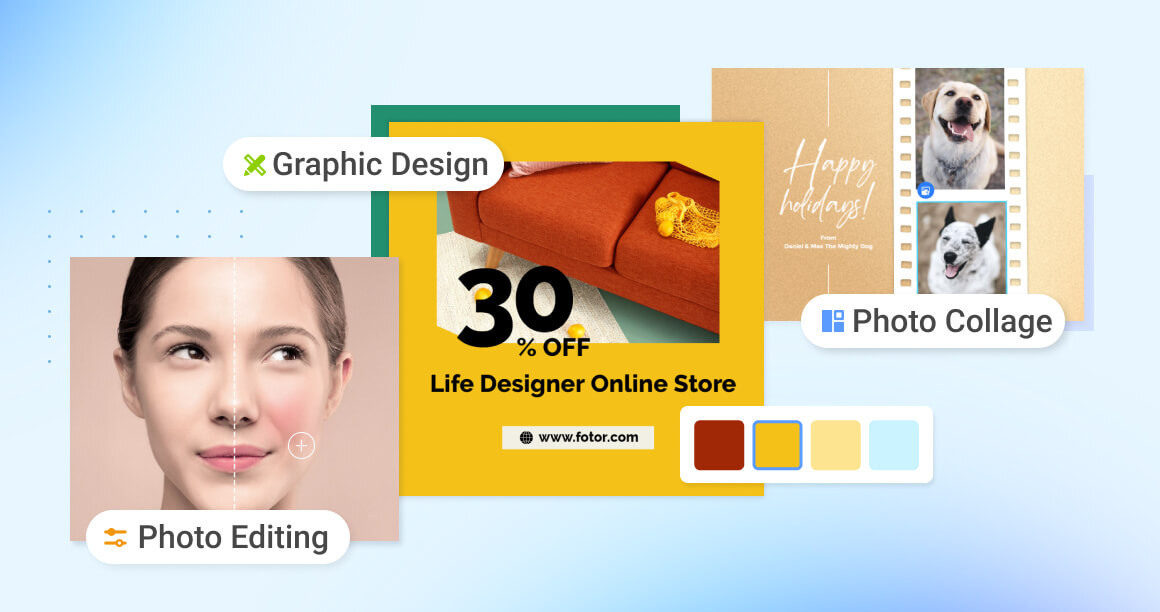
Fotor’s online photo editor is a versatile software that offers a comprehensive set of tools for editing and designing images. With features such as cropping, resizing, background removal, and text addition, it allows users to enhance their photos and create stunning collages. It is user-friendly and accessible across various platforms including mobile devices.
Other Product Information
- Product Category: Image Improvement
- Product Pricing Model: Paid
Ideal Users
- Graphic Designer
- Social Media Manager
- Photographer
- Content Creator
- Marketing Specialist
Ideal Use Cases
For Graphic Designer
- Create a social media post with an eye-catching image that includes text overlay on top of a photo using the tool’s text feature.
- Edit and enhance photos for personal branding by adding logos or watermarks to them.
- Create a collage of multiple photos to showcase a product launch or event.
- Design business cards or flyers with the tool’s image editing capabilities.
- Enhance and retouch portraits or selfies for personal use.
For Photographer
- As a photographer, one should use Fotor’s online photo editor to create stunning visual content social media accounts by editing and enhancing images before posting them on Instagram or Facebook.
- one should use it to retouch portraits and remove blemishes from client’s photos for their wedding album.
- one should use it to add text to promotional materials such as business cards, flyers, and brochures.
- one should use it to create photo collages for events or family albums.
- one should use it to edit and design product photos for e-commerce websites.
For Content Creator
- Creating social media graphics: As a content creator, one should use Fotor’s online photo editor to create visually appealing graphics social media posts, such as Instagram stories or Facebook cover photos, using the tool’s crop and resize features to fit the specific dimensions of each platform, and add text overlays to make them more engaging.
- Designing business cards: one should use Fotor’s online photo editor to create professional-looking business cards with company logo and contact information, including a call-to-action button that leads to website or email address.
- Creating promotional materials for events: one should use the tool to design flyers, posters, and banners for events, using the collage feature to include multiple images and text elements to promote event.
- Editing personal photos: one should use Fotor’s online photo editor to enhance and retouch personal photos, such as removing unwanted objects or people from the background, adjusting brightness and contrast, and adding filters to make them look better.
- Creating marketing materials for small businesses: one should use the tool to create promotional materials such as brochures, logos, and business cards business, using the text and design features to promote products or services.