- ( 0 Reviews )
Checkout TypingMind – AI Chatbot for Improved Response Time and Enhanced User Interface
Product Description
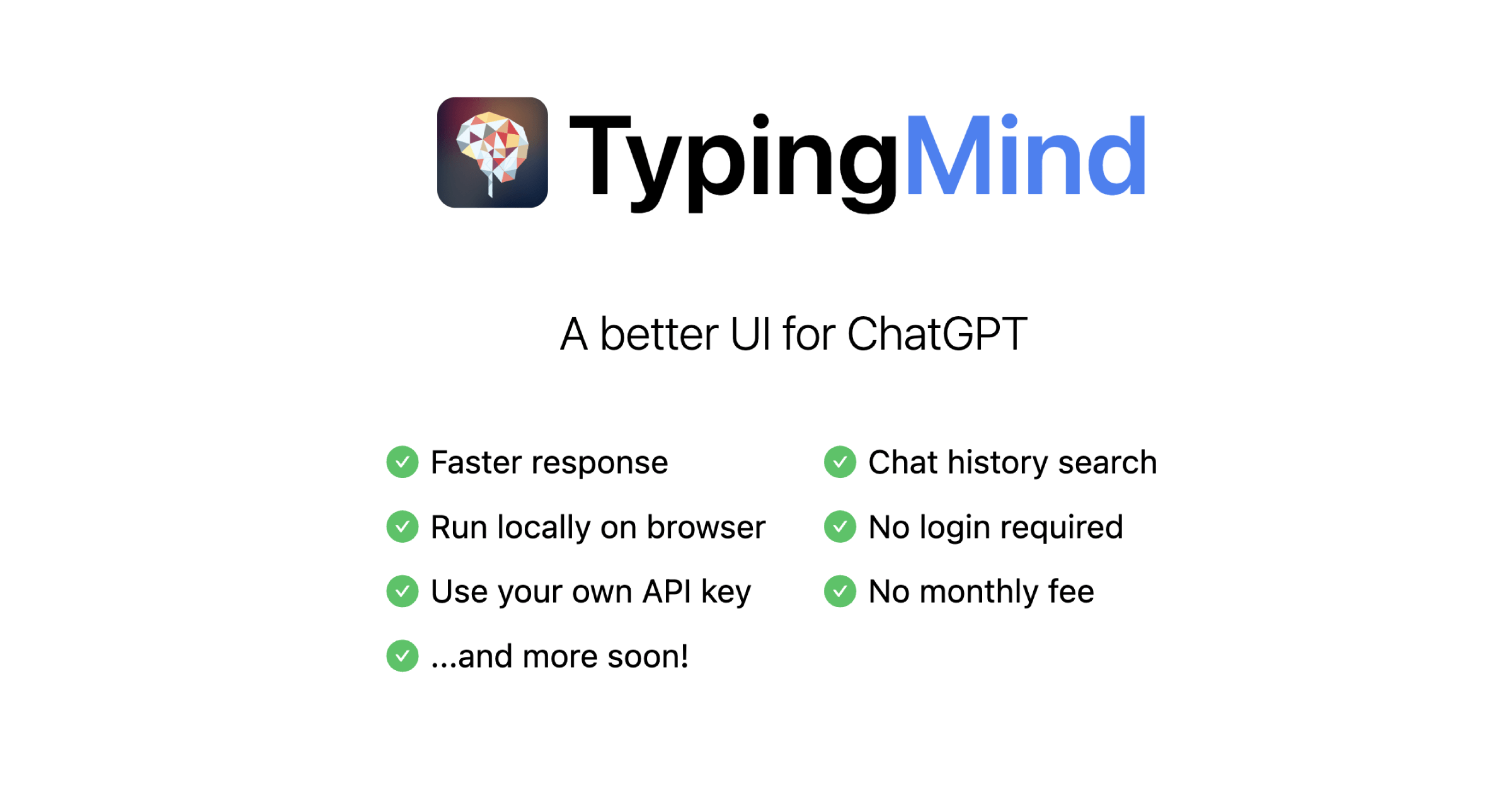
TypingMind is an AI-powered chatbot tool that offers a user-friendly interface for ChatGPT, quicker response times, and easy access to chat history search functionality. It can be used without the need for a login and can be run directly through a web browser. Users can begin using it by entering their OpenAI API key.
Other Product Information
- Product Category: Chat
- Product Pricing Model: Free
Ideal Users
- Customer Support Specialist
- Content Creator
- Social Media Manager
- Marketing Specialist
- Product Manager
Ideal Use Cases
For Customer Support Specialist
- Respond to customer inquiries quickly and efficiently using the faster response feature of TypingMind chatbot tool.
- Provide customers with a prompt library for quick access to frequently asked questions.
- Conduct customer support interviews without the need for a login.
- Offer a better user interface for chatbot interactions.
- Access chat history easily for reference purposes.
For Content Creator
- Researching information: With TypingMind, one should use the chatbot tool to quickly find relevant information by searching through chat history and prompt library to gather data for research projects or articles.
- Customer service: one should use the chatbot tool to provide quick responses to customer inquiries and improve communication with customers.
- Personalized recommendations: one should use the chatbot tool to make personalized product recommendations to clients based on their past interactions and preferences.
- Language translation: one should use the chatbot tool to translate text between languages for international business communication.
- Automated responses: one should use the chatbot tool to automate responses to frequently asked questions or customer service inquiries.
For Marketing Specialist
- Conduct market research: Use the prompt library to gather insights about customer preferences and behavior, analyze trends, and identify potential pain points in order to create targeted marketing campaigns that resonate with your audience.
- Provide customer support: Respond to customer queries quickly and efficiently using the chatbot’s faster response time.
- Personalize communication: Use the chatbot to provide personalized recommendations based on user history and preferences.
- Improve customer engagement: Utilize the chatbot to gather feedback and suggestions from customers, which can be used to improve products or services.
- Analyze customer data: Use the chatbot to analyze customer data and gain insights into their behavior and preferences for better marketing strategies.